Loading…



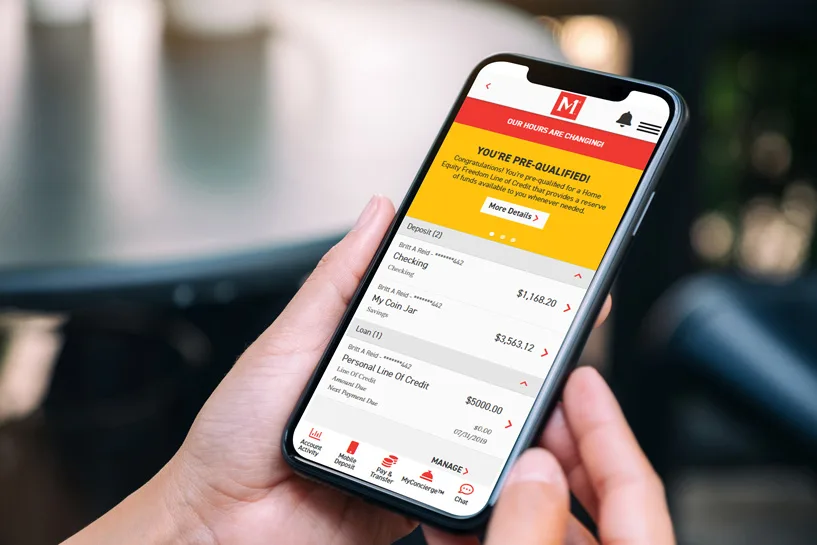
We've reimagined every aspect of our mobile app to be fast and easy to use. Track your goals, get advice, and manage your funds from your favorite device—all at your convenience. Ready to get started?
Download our app today.
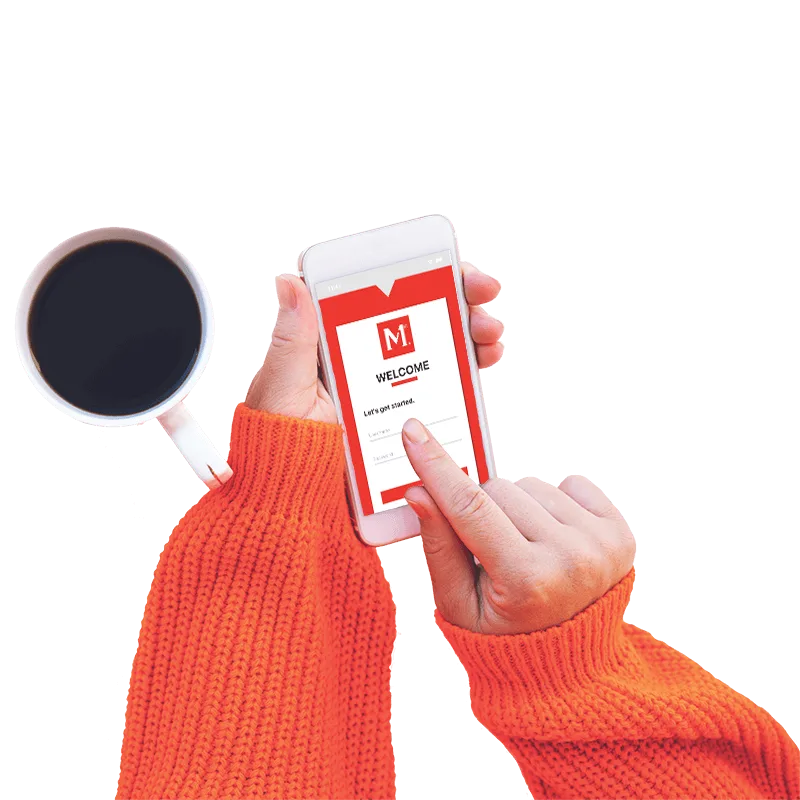
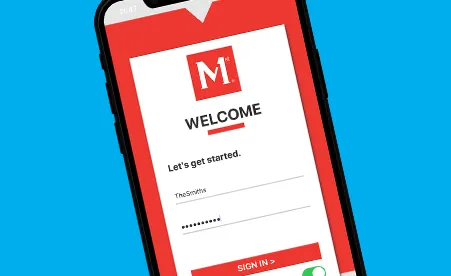
Don't have our mobile app yet? Download our app from the App Store (Apple™ Devices) (opens in a new tab)or get it from Google Play (Android™ Devices) (opens in a new tab).
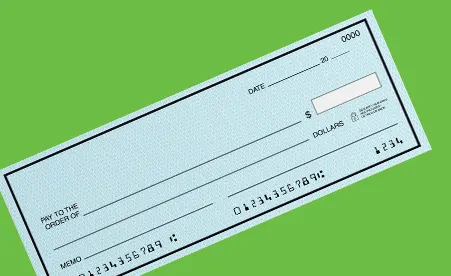
Have a check you need to deposit but can't make it to a branch? No problem. With mobile deposit, you can deposit your checks from your phone anywhere, anytime.

Tired of trying to keep track of all those monthly expenses? Schedule your bills ahead of time with our Pay Bills service and say goodbye to late payments.
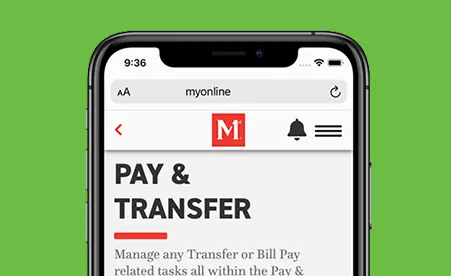
Need to transfer money from home? Use our app to easily transfer funds to other accounts, loans, and Visa products and more. You can even make cross-account transfers, too.

Keep track of your account balances in real time. You'll always know how much money you have available, and you can easily keep an eye on your account activity.

Have questions? Good thing you have MyConcierge™. Half personal sidekick, half financial wizard, your concierge knows money management like the back of their hand. Best of all, they're always ready to help.

Our Visa cards are compatible with Apple Pay® (opens in a new tab), Android Pay™ (opens in a new tab), Samsung Pay® (opens in a new tab) and PayPal OneTouch™ (opens in a new tab) on select smartphones, which means you don't even have to pull out your Visa card when paying for purchases at the checkout terminal.
What's my routing number?
Our credit union has one routing number that members use for any direct deposits or payments. The routing number is 231382241.
What's my account balance?
Using mobile banking, you can see all the balances on your accounts. These balances are in real time, which means you can see the exact balance that our representatives can see in Customer Service.
What is my member ID?
Your Member ID is the number you are given when your membership with Members 1st was established. This can be found on your Member ID card sent to you in the welcome packet and on the app under "My Profile".
What is my checking or savings account number?
Your 10- or 14-digit checking account number and your 17-digit savings account number can be found by:
Signing into Members 1st Online banking and going to the "Accounts" page.
Click the share product (checking, savings, etc.) where you would like to receive the deposit.
Your checking or savings account number and Member ID for direct deposit will be displayed at the top of the page.
You can open your account online in just a few minutes. Or if you like, stop by any of our branch locations and we can do it for you.