

Stay Safe Online: Understanding Multifactor Authentication, Biometrics and Passkeys
Minute Read
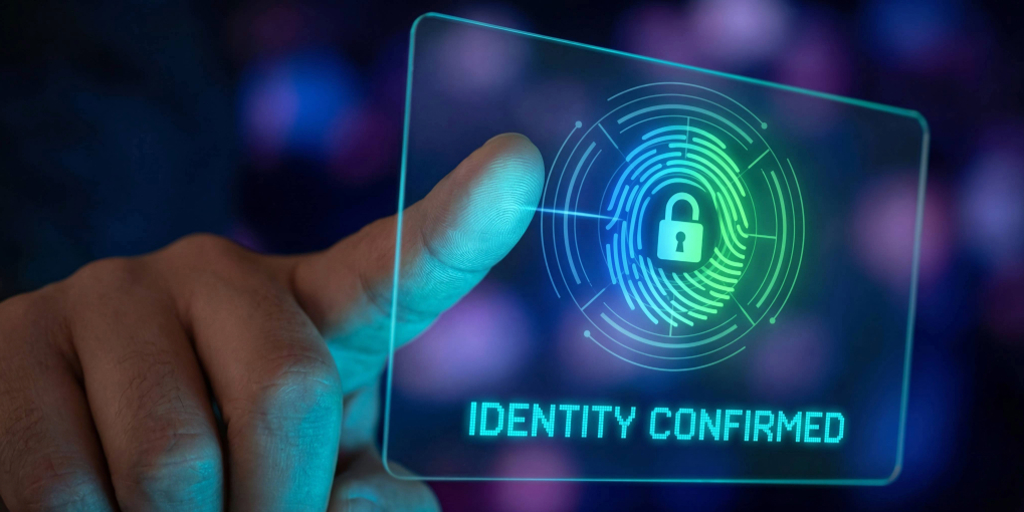
In today’s digital world, keeping your accounts secure is more important than ever. From banking to online shopping to social media, hackers are constantly looking for ways to steal your information. Fortunately, modern technology gives you powerful tools to stay safe—if you know how to use them.
Let’s break down three key digital security methods: multifactor authentication (MFA), biometrics and passkeys.
Multifactor Authentication (MFA): An Extra Layer of Protection
MFA is like a double lock on your online accounts—one password isn’t enough to get in.
How it works: MFA combines at least two of these factors:
-
Something you know: a password or PIN
-
Something you have: your phone, a security token or an authenticator app
-
Something unique to you: biometrics like a fingerprint, face scan or voice recognition
Key takeaway: MFA is a framework, not a single technology. It uses multiple types of verification to keep your accounts safe.
Biometrics: Security Based on Who You Are
Biometrics are a convenient and secure way to confirm your identity— using physical traits unique to you.
Examples:
-
Fingerprint
-
Face scan
-
Voice recognition
Key takeaway: Biometrics are one kind of authentication factor and can be used alone or as part of MFA. They’re fast, easy and very personal.
Passkeys: Password-Free and Phishing-Resistant
Passkeys are the newest way to log in—without needing a password. Think of them like a digital house key stored on your phone or computer.
How passkeys work:
-
Your device keeps a private key.
-
Websites/apps use the matching public key.
-
When you log in, you confirm it’s you using a fingerprint, face scan or device PIN.
-
Just like that, you’re logged in—no password needed.
Why they’re great:
-
You can’t forget them.
-
You can’t reuse them across sites.
-
Hackers can’t steal them with phishing.
How to enroll:
-
Visit a site or app that supports passkeys.
-
When prompted, click Create Passkey.
-
Confirm using your fingerprint, face scan or device PIN.
-
Done! Your device remembers you for next time.
Three Tools—Three Ways to Stay Secure
To sum it all up: MFA uses multiple forms of verification to protect your accounts, biometrics confirm your identity using unique physical traits and passkeys are a modern, password-free way to sign in—often using biometrics or a device PIN.
Why You Should Use These Tools
Adding extra layers of security adds real protection against hackers. Using MFA, biometrics or passkeys:
-
Protects your accounts even if your password is stolen
-
Makes logging in easier and safer
-
Helps you stay one step ahead of cybercriminals
Tip: Whenever your financial institution, email or favorite apps offer MFA, biometrics or passkeys, turn them on. It only takes a few minutes and can save you hours of stress later.
Security You Can Count On
At Members 1st, protecting our members’ personal and financial information is a top priority. That’s why we use proven security measures like MFA and biometrics to help keep accounts safe while still making banking convenient. Behind the scenes, we’re continually strengthening and enhancing our digital security tools as technology evolves—so your information stays protected.
Digital security doesn’t have to be complicated. A fingerprint here, a passkey there or MFA everywhere keeps your online life safer while making logging in simple and quick.
