
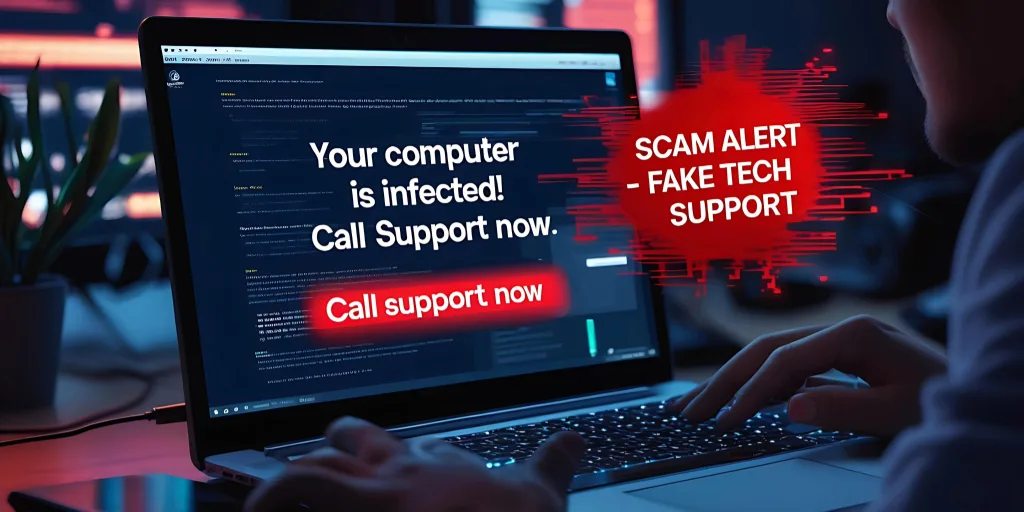
We’ve all been there—checking email or shopping online, and suddenly a loud alert pops up:
“Warning: Your computer has a virus! Call this number now!”
Your first instinct is probably to panic, but that is exactly what scammers are counting on, so take a breath before you click or call. At Members 1st, we want you to feel safe online and confident in knowing how to spot a scam so that you can keep your devices, personal information and finances protected.
What Is a Tech Support Scam?
A tech support scam usually starts with an unsolicited pop‑up, call or text claiming there’s something wrong with your computer. Scammers use this tactic to trick you into clicking a link, calling a fake “support” number or granting remote access to your device—all in an effort to install malware and steal your info.
It sounds scary, but the good news is that once you know the signs, these scams are much easier to avoid.
According to the FBI (opens in a new tab), tech support scams cost people millions of dollars each year. The Federal Trade Commission (opens in a new tab) emphasizes that “legitimate tech companies don’t send unsolicited pop‑ups asking you to act immediately.”
How Scam Tactics Are Changing
Scammers are getting craftier. Here’s what to watch for:
Texts or emails posing as security alerts
Calls or pop-ups with AI-generated voices or messages impersonating someone you trust
Requests for remote access, passwords or payments via specific methods like gift cards or wire transfers
Older adults are often easy targets, so it’s especially important to share these tips with parents, grandparents or anyone who might be less tech-savvy.
Red Flags and Warning Signs
If you see any of these, pause and think:
A call, text or pop-up out of the blue claiming your device has an urgent problem
Someone trying to rush you into action by saying things like “this is your last chance”
Requests to click a link, download software or allow remote access
A person asking for account numbers or passwords
Demands for payment—especially gift cards or wire transfers
If someone pressures you, it’s a scam. A real company gives you time and options.
Simple Ways to Stay Safe
Here’s how you can protect yourself, and it doesn’t have to be complicated:
Only allow remote access when you are the one to initiate the call.
Never share passwords, verification codes or financial info with anyone who contacts you unexpectedly.
If a pop-up won’t close, restart your device and don’t click anything.
Keep your software updated and enable multi-factor authentication (MFA), if available.
Run antivirus or anti-malware (opens in a new tab) scans regularly.
If you think you may have been targeted, disconnect from the internet, then update all your passwords from a different device.
How Members 1st Can Help
At Members 1st, fraud prevention isn’t just a policy—it’s part of how we care for you. Our team monitors suspicious activities to help keep your accounts safe.
If you are ever unsure about a call or pop-up, contact us directly using the number on your card or our website. Never use a number from a pop-up. We regularly share tips and resources, like this Cybersecurity Awareness Checklist, to help you and your family stay safe.
Scammers can be tricky, but with a little knowledge and vigilance, you can outsmart them.